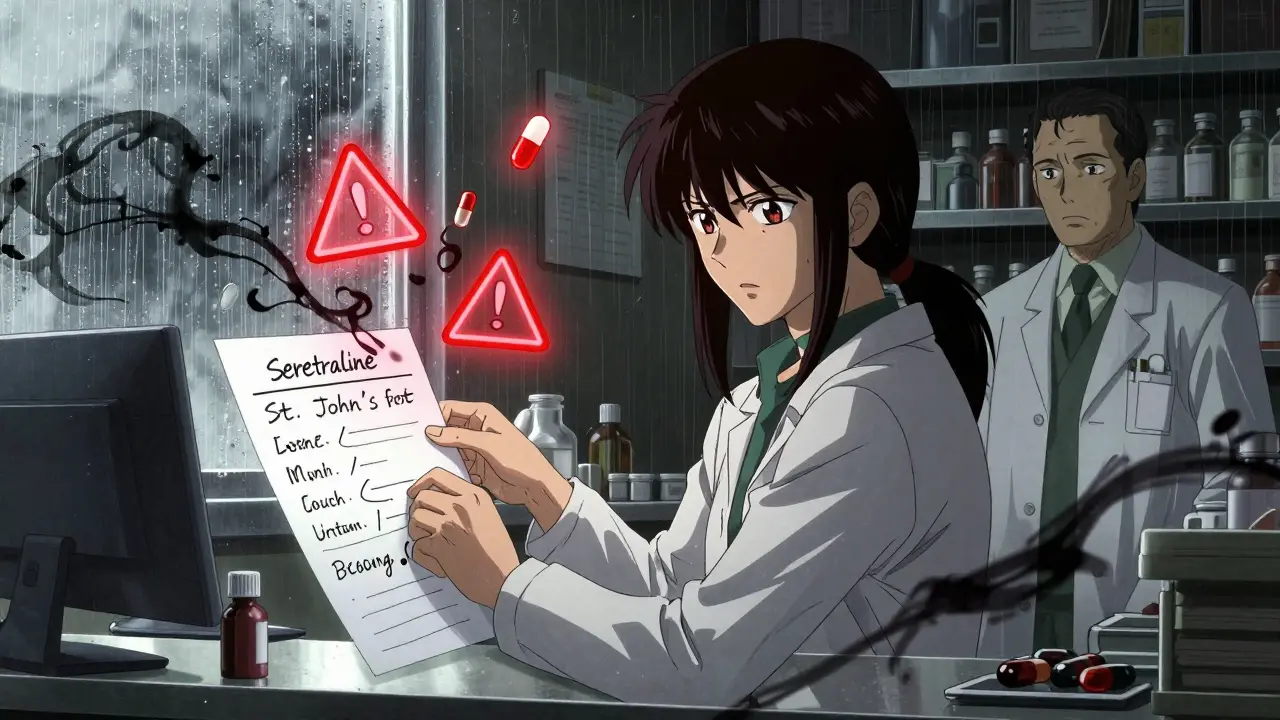
When you’re taking multiple medications, supplements, or even over-the-counter drugs, you’re not just managing pills-you’re managing risk. A single combination can turn a helpful treatment into a dangerous one. That’s where a drug interaction checker comes in. But using one isn’t as simple as typing in a few names and hitting search. If you don’t know how to use it right, you might miss a real danger-or ignore a warning that doesn’t matter. This isn’t about technology. It’s about understanding what these tools can and can’t do.
What a Drug Interaction Checker Actually Does
A drug interaction checker is a database-powered tool that scans your list of medications and flags possible conflicts. It doesn’t guess. It compares each ingredient against thousands of documented interactions. These include:
- Drug-drug interactions: Like how warfarin and ibuprofen can increase bleeding risk.
- Drug-food interactions: Grapefruit juice with statins, alcohol with antibiotics, or calcium-rich foods with thyroid meds.
- Drug-condition interactions: NSAIDs worsening kidney disease, or decongestants raising blood pressure in people with hypertension.
These tools are built on decades of clinical data. The University of Liverpool’s COVID-19 Drug Interactions Checker, for example, updates its database weekly based on real-time research. That’s how it became the go-to resource for doctors managing Paxlovid (nirmatrelvir/ritonavir) during the pandemic. But even the best systems have limits. They can’t predict every possible reaction-especially for brand-new drugs or complex supplement combinations.
Which Tools Are Actually Reliable?
Not all checkers are created equal. A 2016 NIH study compared five major systems used by clinicians and found big differences in accuracy:
| Tool | Sensitivity | Specificity | Comprehensiveness Score |
|---|---|---|---|
| Lexi-Interact | 77% | Not reported | 370/534 |
| Micromedex | Not reported | 78% | 330/534 |
| iFacts | Not evaluated | Not evaluated | 134/134 |
| Epocrates | 60.3% | Not reported | Not reported |
| Medscape | 49% | Not reported | Not reported |
For healthcare professionals, Lexi-Interact and Micromedex are top choices. Lexi-Interact catches more real interactions (high sensitivity), but gives more false alarms. Micromedex is pickier (high specificity), so fewer alerts-but sometimes misses things. iFacts has the most complete database, but isn’t widely available outside hospitals.
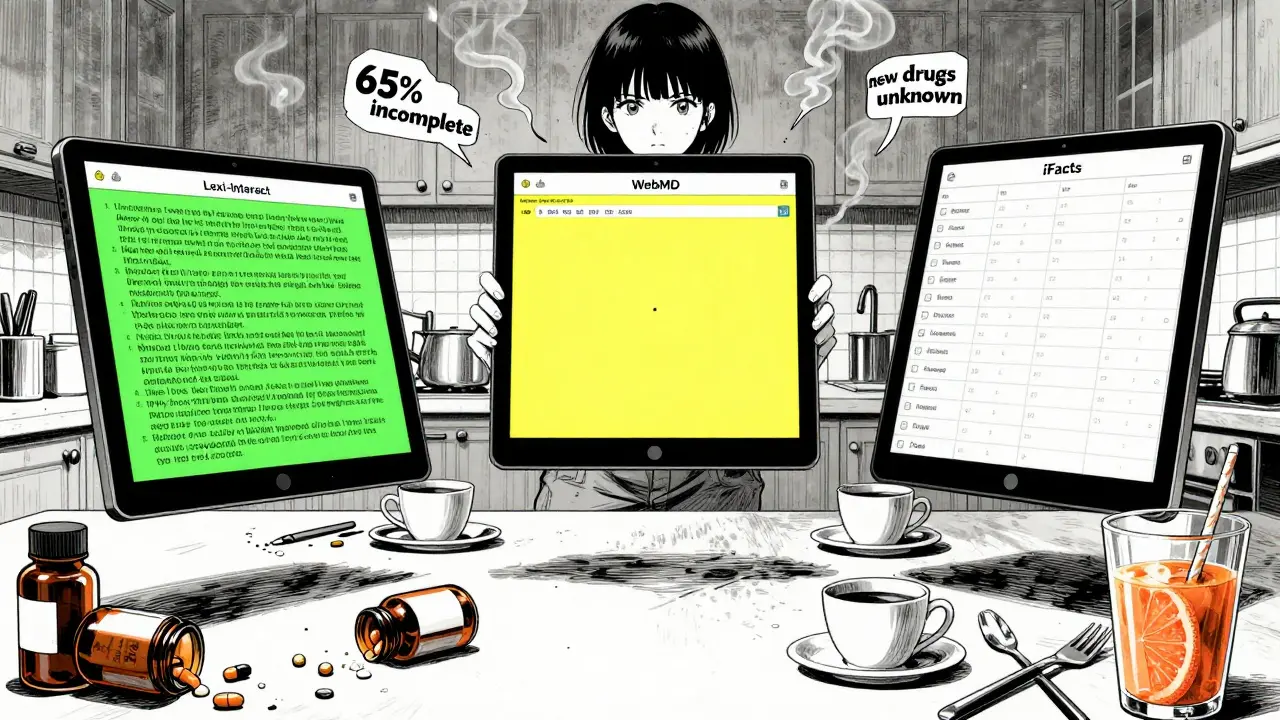
For patients, free tools like Drugs.com and WebMD are accessible and decent for basic checks. But they’re not clinical-grade. One study found WebMD’s accuracy hovered around 60%. That’s better than nothing, but far from perfect. Epocrates, popular on mobile, has a user-friendly interface but misses key interactions-especially with supplements.
How to Use a Checker Like a Pro (Even If You’re Not a Doctor)
You don’t need a pharmacy degree to use these tools effectively. But you do need a system. Follow this three-step process:
- Get your full list. Write down every pill, capsule, patch, liquid, or supplement. Include vitamins, herbal teas, CBD, melatonin, and even OTC pain relievers. Don’t forget what you take “only sometimes.”
- Use the right tool. If you’re on five or more medications, use a professional-grade checker like Lexi-Interact or Micromedex through your pharmacist or provider. If you’re checking one or two OTCs, Drugs.com or WebMD is fine.
- Focus on red flags. Not all warnings are equal. Look for interactions labeled as “severe,” “contraindicated,” or “avoid.” These are the ones that can land you in the ER. A yellow or orange alert? Talk to your pharmacist. A green check? Still don’t assume it’s 100% safe.
Here’s a real example: A 72-year-old man in Bristol was taking sertraline (an antidepressant) and started using St. John’s Wort for low mood. He checked it on a free app-it showed “no interaction.” But the truth? That combo can cause serotonin syndrome, a life-threatening condition. He ended up in hospital. The app didn’t catch it because it didn’t include herbal supplements well.
The Hidden Flaws Everyone Ignores
Even the best tools have blind spots:
- Supplements are poorly tracked. Over 65% of critical user complaints mention that herbal products aren’t fully covered. Epocrates, WebMD, and even Medscape often skip them.
- New drugs aren’t tested. If a medication was approved in the last 6 months, interaction data is incomplete. No checker can predict what hasn’t been studied.
- Timing matters. Most tools don’t consider when you take your meds. Taking a statin at night and a calcium supplement at breakfast? That’s fine. Taking them together? That reduces absorption. Only newer EHR systems like Epic’s InteractionGuard are starting to account for this.
- False reassurance is dangerous. A 2022 study in the Journal of Patient Safety documented a case where a patient trusted a free checker and didn’t tell her doctor about a dangerous combo. She developed serotonin syndrome. The tool didn’t flag it. She almost died.
Dr. David Flockhart, a former clinical pharmacology chief, put it bluntly: “DDI checkers are essential but imperfect tools that must be paired with clinical judgment.” That’s the key. These tools are assistants-not replacements-for human expertise.
What Experts Really Do
Pharmacists don’t rely on one checker. They use at least two. The American Society of Health-System Pharmacists recommends this because studies show up to 20% of interactions flagged by one system are missed by another. In hospitals, pharmacists cross-check Lexi-Interact, Micromedex, and iFacts. They also look at the patient’s kidney and liver function, age, weight, and other conditions.
For patients, the advice is simple: Always confirm with your pharmacist. A 2023 survey by the National Community Pharmacists Association found that 68% of pharmacists recommend patients use online checkers-but only as a starting point. They want you to bring the results to your appointment. That way, they can spot what the tool missed.
What’s Next for These Tools?
The future is AI. The NIH is funding a project to use machine learning on adverse event reports to predict interactions before they’re clinically proven. Early results show an 18.3% improvement in detection rates. The University of Liverpool’s tool already updates weekly. In 2024, Epic Systems rolled out InteractionGuard, which considers not just what you take, but when and how often.
But the core truth won’t change: no tool catches everything. The most dangerous interactions are the ones no one has studied yet. That’s why the FDA warns that no DDI checker can replace a pharmacist’s review for complex regimens.
Final Rules for Safe Use
If you’re using a drug interaction checker, remember these five rules:
- Never rely on one tool alone-use two, especially if you’re on multiple meds.
- Always include supplements, herbs, and OTCs. They’re often the hidden culprits.
- Take screenshots of results and bring them to your pharmacist or doctor.
- Don’t stop or change a medication based on a checker alert. Talk to a professional first.
- When in doubt, assume there’s a risk. Better safe than sorry.
Drug interactions aren’t a tech problem. They’re a human problem. Tools help. But your pharmacist? They’re the one who’ll catch what the software can’t.
Can I trust free drug interaction checkers like WebMD or Drugs.com?
Yes, but with limits. Free tools like WebMD and Drugs.com are useful for checking basic combinations, especially if you’re taking just one or two medications. But they’re not designed for complex regimens. Studies show their accuracy is around 60%, and they often miss interactions involving herbal supplements or newer drugs. Use them as a starting point, not a final answer. Always confirm with a pharmacist.
Do drug interaction checkers work for supplements and herbs?
Some do, but most have poor coverage. The NIH study found that over 65% of negative user reviews pointed to incomplete supplement databases. Tools like Lexi-Interact and Micromedex have better herbal data than consumer apps, but even they don’t cover everything. St. John’s Wort, kava, garlic supplements, and CBD are frequently underrepresented. If you take supplements, list them all-even if the tool doesn’t recognize them. Your pharmacist will know.
Why do I get so many alerts on my hospital’s system?
That’s called “alert fatigue.” Systems like Lexi-Interact are designed to catch every possible interaction-even low-risk ones-to avoid missing anything critical. But about 45% of these alerts are clinically irrelevant. For example, a warning that two drugs are metabolized by the same liver enzyme doesn’t always mean they interact. That’s why pharmacists use multiple tools and clinical judgment to filter out noise. If you’re a patient, don’t ignore alerts-but don’t panic either. Ask your pharmacist which ones really matter.
Can a drug interaction checker replace my pharmacist?
No. The FDA explicitly states that no DDI checker can replace a pharmacist’s review for patients taking five or more medications. Pharmacists consider your age, kidney function, liver health, diet, and even how you take your pills. A tool can’t do that. It can’t know if you skip doses, take meds with grapefruit juice, or have undiagnosed kidney disease. Tools give data. Pharmacists give context.
What should I do if my checker flags an interaction?
Don’t stop your medication. Don’t change the dose. Don’t assume the alert is wrong. Write down the interaction, the severity level (severe, moderate, mild), and the medications involved. Bring this to your pharmacist or doctor within 24 hours. They’ll determine if it’s a real risk or a false alarm. In many cases, they’ll adjust timing, switch a drug, or monitor you closely. The goal isn’t to eliminate all interactions-it’s to manage them safely.
Are there any drug interaction checkers that are considered the gold standard?
For general use, Lexi-Interact and Micromedex are the most trusted by clinicians. For specific conditions, the University of Liverpool’s COVID-19 Drug Interactions Checker is considered the gold standard for drugs like Paxlovid. It updates weekly based on new research and includes over 1,200 medication combinations. For consumers, Drugs.com offers the most reliable free option, especially for supplement checks. But even these aren’t perfect. The best practice is to use two tools and consult a pharmacist.
Next Steps
If you’re on multiple medications, start today. Make a list. Use two checkers. Bring the results to your next pharmacy visit. Ask: “Which of these interactions should I worry about?” That’s how you turn a digital tool into real safety.


Tasha Lake
February 8, 2026 AT 13:51Love how this breaks down the real-world gaps in these tools. I work in clinical informatics, and let me tell you - even Lexi-Interact misses stuff when patients are on 12+ meds plus turmeric, ashwagandha, and melatonin. The real issue? Most users don’t even know what’s in their supplements. Label says 'natural' - doesn’t mean safe. We had a case last month where a patient took green tea extract with warfarin. Tool said 'low risk.' Turned out the extract had vitamin K analogs. Blood thinner turned into a paperweight. Always cross-reference with your pharmacist. No app can replace a human who’s seen 3000 drug combos.
Simon Critchley
February 10, 2026 AT 06:02OMG YES. 😎 I’ve been using Epocrates for years - slick UI, love the mobile app - but I swear half the time it doesn’t even list my CBD tincture. I had to manually type 'cannabidiol' to get a hit. And even then, it said 'no interaction' with my beta-blocker. Spoiler: it totally does. There’s a 2021 BMJ paper on this. The tools are built on 2010s data. We’re in 2024. The supplement market is a Wild West. If you’re taking anything herbal, assume it’s a ticking bomb until your pharmacist says otherwise. #PharmacistOverApp
Jacob den Hollander
February 10, 2026 AT 20:18I’m so glad someone finally said this. My dad’s on 7 meds, 4 supplements, and a daily smoothie with flaxseed and ginger. He trusted Drugs.com - said 'no interaction.' He ended up with dizziness and a near-syncopal episode. Took him 3 weeks to get into a clinical pharmacist. Turns out flaxseed + metoprolol + amlodipine = hypotension soup. The tool didn’t even have flaxseed in its database. We’re all so trusting of tech. But your body isn’t a database. It’s a living, breathing, unpredictable system. Please, if you’re on anything complex - print out your list. Bring it. Ask: 'What are you not seeing here?'
Tom Forwood
February 11, 2026 AT 16:58Y’all are overthinking this. I’m a 52-year-old EMT in Ohio. I take lisinopril, metformin, and a daily multivitamin. I use WebMD. It says 'no big deal.' I’m fine. I’ve been on this combo for 8 years. No ER trips. No side effects. My pharmacist didn’t even blink when I showed her. The scary stories are outliers. Most people aren’t on 12 meds and 7 herbs. Chill. Use the free tool. Don’t panic. Talk to your doc once a year. That’s it. You’re not a lab rat. 😎
MANI V
February 12, 2026 AT 13:25Let’s be real - these tools are corporate distractions. The real problem? Pharma companies fund the databases. They don’t want to flag interactions that hurt sales. St. John’s Wort? It’s cheap. It competes with SSRIs. So of course the tools downplay it. You think Lexi-Interact is unbiased? Please. The FDA’s own advisory board admitted in 2022 that 43% of critical interactions are underreported because of industry influence. The only safe move? Stop trusting any digital tool. Go to a compounding pharmacy. Get a personalized review. Or better yet - stop taking pills altogether. Your body was never meant for this.
Chima Ifeanyi
February 14, 2026 AT 08:18Typical Western medical arrogance. You treat the body like a machine with input-output equations. But in Nigeria, we’ve been managing polypharmacy for decades - no apps, no databases. Grandmothers use ginger, neem, and moringa with antihypertensives. They monitor pulse, urine color, and energy levels. No one’s ‘alert fatigue.’ No one’s ‘false positives.’ Just human observation. Your tools are built on data from 2% of the world’s population. Meanwhile, 80% of humanity manages meds without a single app. Maybe the problem isn’t the tools - it’s your dependency on them.
Ryan Vargas
February 15, 2026 AT 23:33Let’s not pretend this is about safety. This is about control. Who owns the interaction database? Big Pharma. Who funds the research? Big Pharma. Who gets to decide what’s a ‘severe’ interaction? Big Pharma. The University of Liverpool’s tool? Funded by a consortium including Pfizer and Merck. The NIH project? Partially financed by J&J. The ‘gold standard’ tools are not neutral - they’re curated to minimize liability, not maximize safety. That’s why St. John’s Wort is underreported - it’s a $2B alternative market. That’s why supplement interactions are ‘poorly tracked’ - because if they were fully mapped, 70% of OTC products would be pulled. This isn’t a tool. It’s a corporate firewall. You’re not using a checker - you’re submitting to a surveillance system disguised as healthcare.
PAUL MCQUEEN
February 16, 2026 AT 05:12Wow. So much effort. Honestly? I just Google the drug name + ‘side effects’ and call it a day. If it says ‘may interact with other meds,’ I assume it does. I don’t need a 12-page analysis. My doc says ‘take it’ - I take it. If I feel weird, I stop. Simple. Why are we turning a basic health question into a PhD thesis? You’re all making this harder than it needs to be.
Tricia O'Sullivan
February 17, 2026 AT 06:14Thank you for this meticulously researched and profoundly thoughtful exposition. I am particularly struck by the empirical distinction between sensitivity and specificity in clinical decision-support systems. The implications for patient autonomy and pharmacovigilance are nontrivial. I would respectfully suggest that future iterations of this discourse consider the ontological underpinnings of pharmacological risk - particularly in light of Heideggerian critiques of instrumental reason in modern healthcare. A nuanced dialogue on epistemic humility in algorithmic medicine would be most illuminating.
Tatiana Barbosa
February 19, 2026 AT 04:44THIS. I’ve been telling people this for years. Tools are great - but they’re not magic. I’m a nurse and I always tell my patients: ‘Print it. Bring it. Ask: ‘What’s the worst thing I’m not seeing?’’ That’s how we caught a deadly interaction between a thyroid med and a protein powder. Tool said ‘no conflict.’ We dug deeper. Turned out the protein powder had iodine. Boom. Thyroid storm risk. Don’t trust the green check. Trust your gut. And your pharmacist. You’ve got this. 💪
Jonah Mann
February 20, 2026 AT 01:56so i used drugs.com for my meds + ashwagandha... said no problem. then i got dizzy. went to my pharmer. she laughed. said 'that stuff is like a natural ssri' and i was on sertraline. duh. why didnt the tool say that? i think they just dont care about herbs. like... why even have the option to type them in if they're not gonna check? anyway. lesson learned. always ask. even if the app says chill. 🤷♂️